Platinum Mod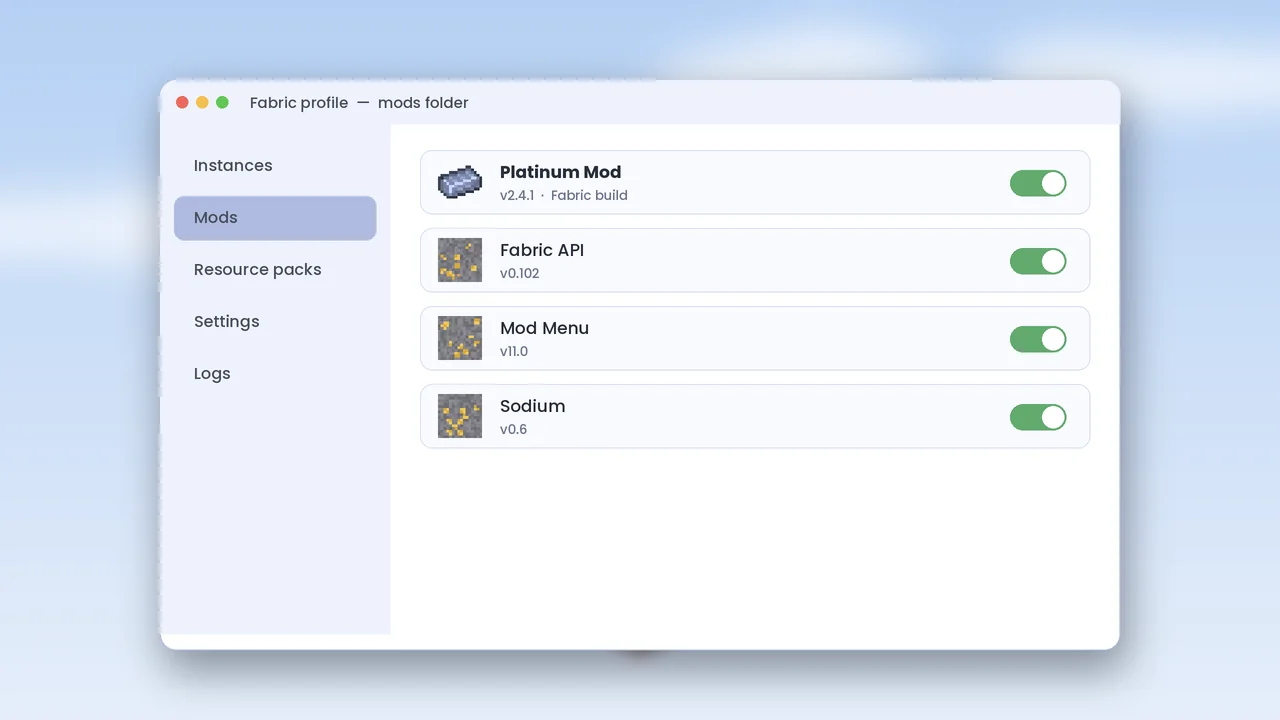
Installing Platinum Mod takes about five minutes once you know the pattern: install a mod loader, add any required library, and place the jar in the right folder. This guide covers Forge, NeoForge and Fabric, and shows how to confirm everything loaded before you open a world you care about.
Before You Start
You need Minecraft Java Edition, a recent Java runtime and a verified Platinum Mod jar. If you have not downloaded it yet, start with our safe download guide.
Back Up Your Worlds
Copy your saves folder somewhere safe. Adding a mod that generates new ore changes world data, and a backup lets you roll back if you change your mind.
Check Your Java Version
Minecraft 1.21.x requires Java 21. The official launcher bundles it, but third-party launchers may not. Run java -version in a terminal to confirm.
Install on Forge or NeoForge
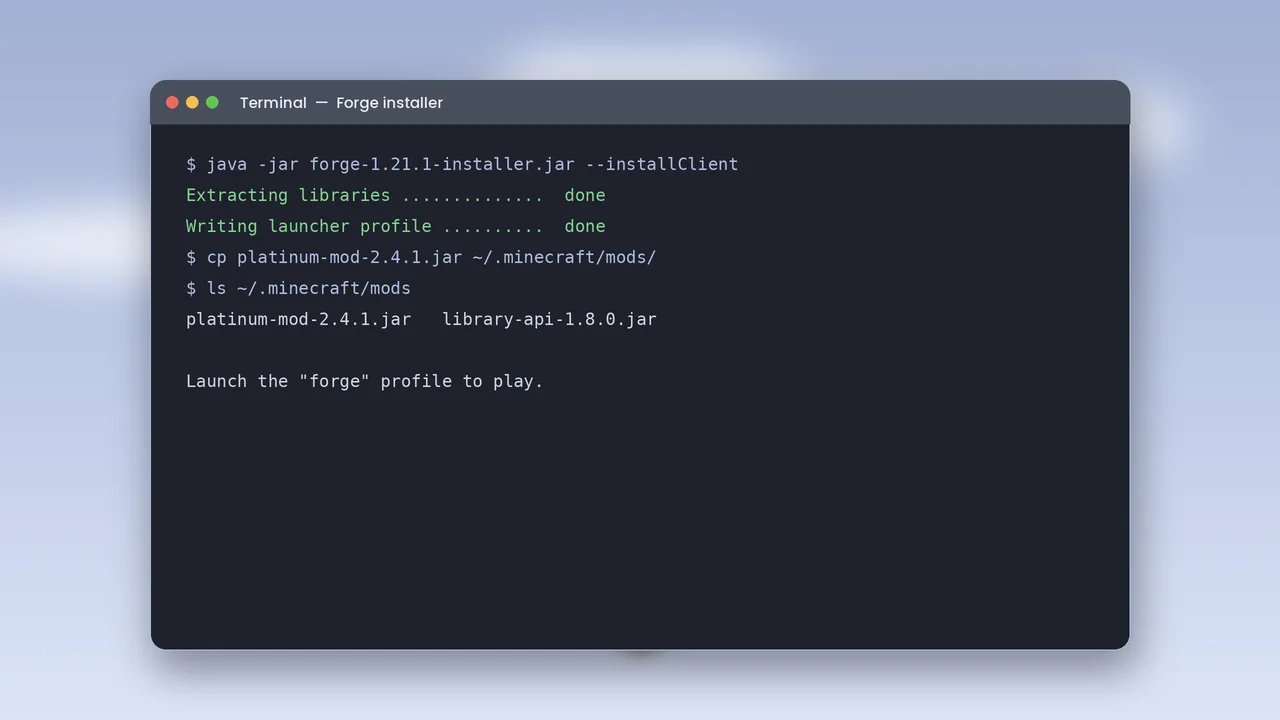
Forge and NeoForge install the same way. Download the installer for your exact Minecraft version, run it and choose Install client.
Create the Loader Profile
The installer adds a new profile to the Minecraft Launcher. Launch it once without mods so it can build its folders, then close the game.
Add the Platinum Mod Jar
Open your .minecraft folder, find the mods folder the loader created, and copy the Forge or NeoForge build of Platinum Mod into it. Add the required library API jar at the same time.
Install on Fabric
Fabric is lighter and updates quickly after new Minecraft releases, which is why many players pick it for performance-focused packs.
Run the Fabric Installer
Choose your Minecraft version, keep the default loader version and click Install. A fabric-loader profile appears in the launcher.
Add Fabric API
Platinum Mod on Fabric depends on Fabric API. Download the version that matches your game and place it in the mods folder next to the Platinum Mod Fabric jar.
Find the Mods Folder
The folder location depends on your operating system. Paste the path into your file explorer to jump straight there.
Paths by Platform
- Windows:
%appdata%\.minecraft\mods - macOS:
~/Library/Application Support/minecraft/mods - Linux:
~/.minecraft/mods
Confirm It Loaded
Start the loader profile and open the Mods menu from the title screen. Platinum Mod should be listed with its version number.
Test in a New World
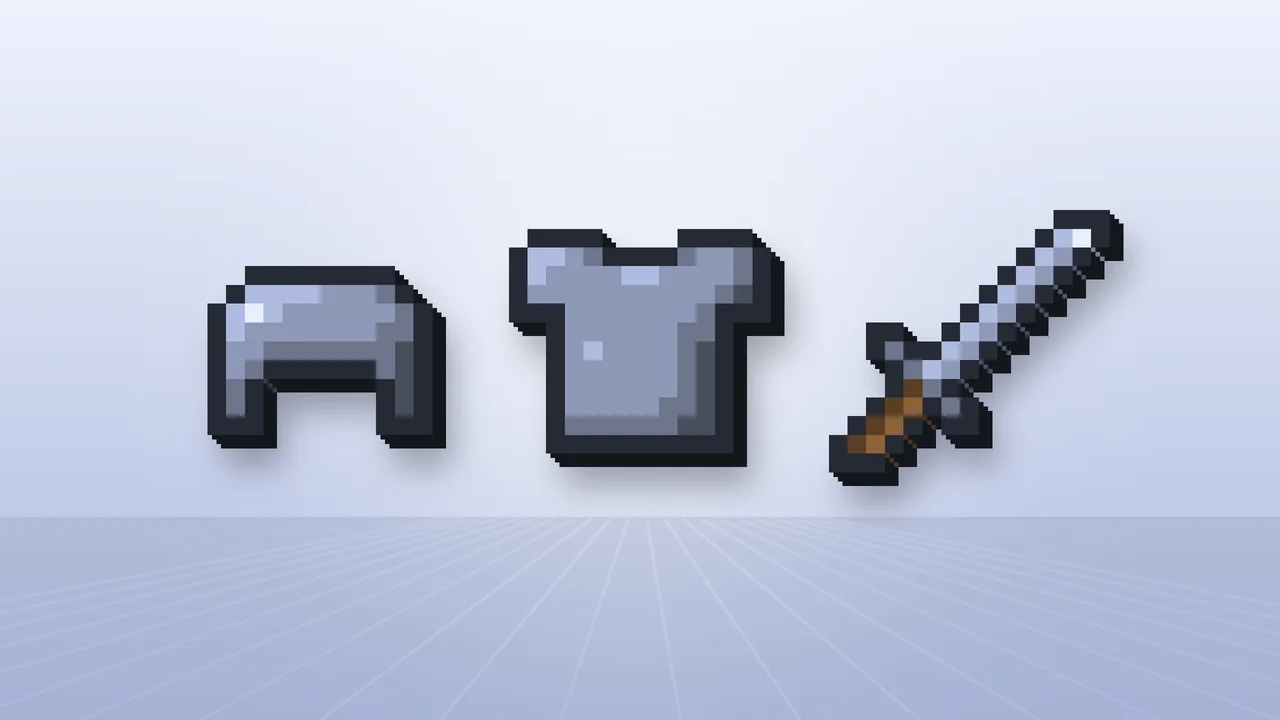
Create a fresh creative world and search the inventory for “platinum”. If ingots, tools and armor appear, the install worked. Next, read the mining guide to find ore in survival, or visit crash fixes if something went wrong.