Platinum Mod
Most problems with Platinum Mod start before the game even launches: a file grabbed from a reupload site, the wrong loader build, or a jar that was never checked. This guide walks through a clean Platinum Mod download, from picking the correct version to confirming the file is exactly what the developer published.
Pick the Right Build First
Platinum Mod ships separate jars for each mod loader and each Minecraft version family. Installing a Fabric jar into a Forge profile is the single most common reason the game refuses to start, so settle these two questions before you click anything.
Match Your Minecraft Version
Open the Minecraft Launcher and look at the version listed on your installation. The current release, 2.4.1, targets the 1.21.x family. If you play on 1.20.1 for a modpack, use the matching legacy build from the release archive instead of the newest file.
Match Your Mod Loader
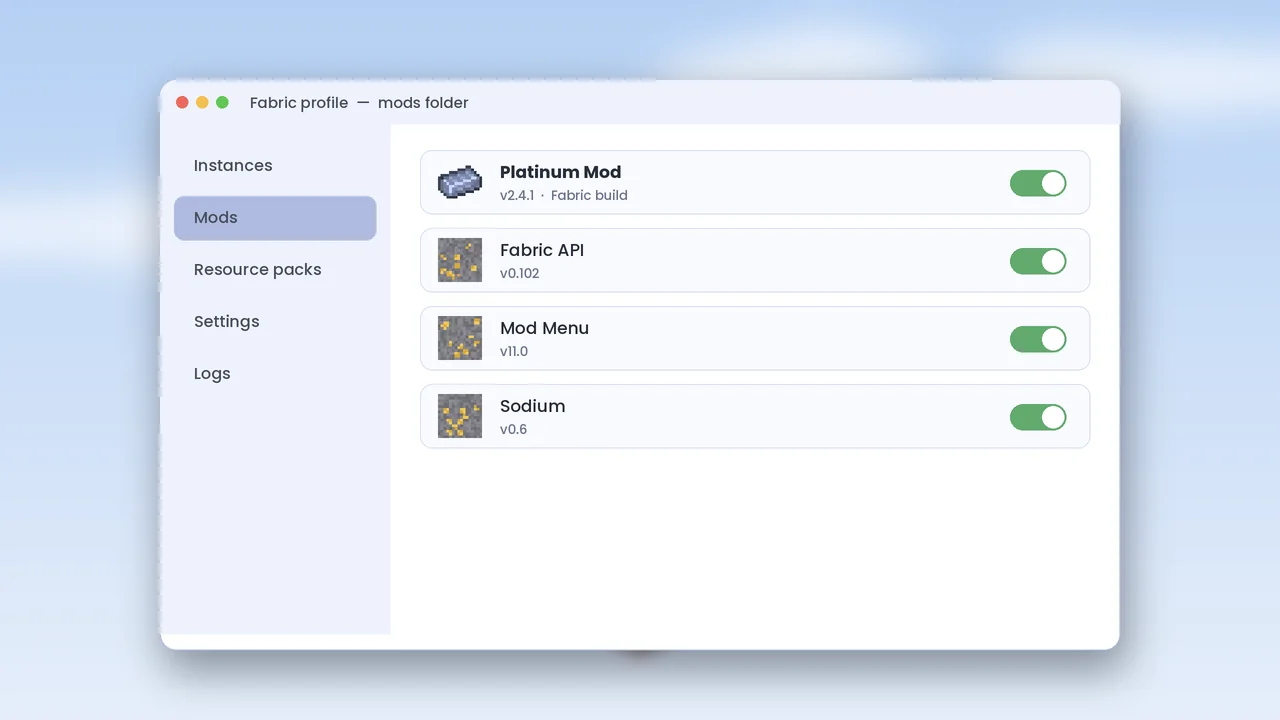
Forge, NeoForge and Fabric each get their own file name suffix. Check which loader your profile uses; the name appears next to the version in the launcher. When in doubt, the loader is whichever installer you ran last.
Where to Download It
Stick to sources that publish the jar directly from the developer. Our download page links to the GitHub Releases build and lists the same file on the major mod hosts as mirrors.
Official Release Channels
GitHub Releases is the primary channel and the first place new versions appear. Modrinth and CurseForge mirrors usually follow within a day. All three should carry an identical file with an identical hash.
Sites to Avoid
Skip pages that wrap the jar in an .exe installer, ask you to complete surveys, or rename the mod to something like a “premium unlocked” edition. A Minecraft mod is always a plain .jar file. Anything else is a red flag.
Verify the File Hash
A SHA-256 hash is a fingerprint of the file. If a single byte changes, the fingerprint changes. Comparing it with the published value takes under a minute.
Check on Windows
certutil -hashfile platinum-mod-2.4.1.jar SHA256Check on macOS and Linux
shasum -a 256 platinum-mod-2.4.1.jarCompare the output with the hash on the download page. If the two strings differ, delete the file and download it again from GitHub.
Scan Before You Install
A hash proves the file is unchanged; a scan adds a second opinion. Uploading the jar to a multi-engine scanner is quick and free.
Reading Scan Results
A clean result shows zero or occasionally one generic detection. Heuristic flags on Java archives are sometimes false positives, but several named detections mean you should not use the file.
After the Download
With a verified file in hand, you are ready to install. Follow our Platinum Mod install guide for loader-specific steps, then read the mining guide to find your first vein.
Keep Up With Updates
New Minecraft versions sometimes need a fresh build. Watch the GitHub repository or join the newsletter in our footer so you know when a compatible release lands, rather than forcing an old jar onto a new game version.