Platinum Mod
A crash looks alarming, but Minecraft usually tells you exactly what went wrong. Nearly every Platinum Mod crash traces back to one of four causes: a missing library, a version mismatch, a conflicting ore mod or not enough memory. Here is how to read the log and fix each one.
Read the Crash Report
Before changing anything, find out what the game is complaining about. It takes two minutes and saves an hour of guessing.
Where Logs Live
Look in .minecraft/logs/latest.log and the crash-reports folder. Open the newest file in any text editor.
What to Look For
Search for lines containing ERROR or “Suspected mods”. The mod named there is usually the cause, even if the crash happened inside another mod’s code.
Missing Dependencies
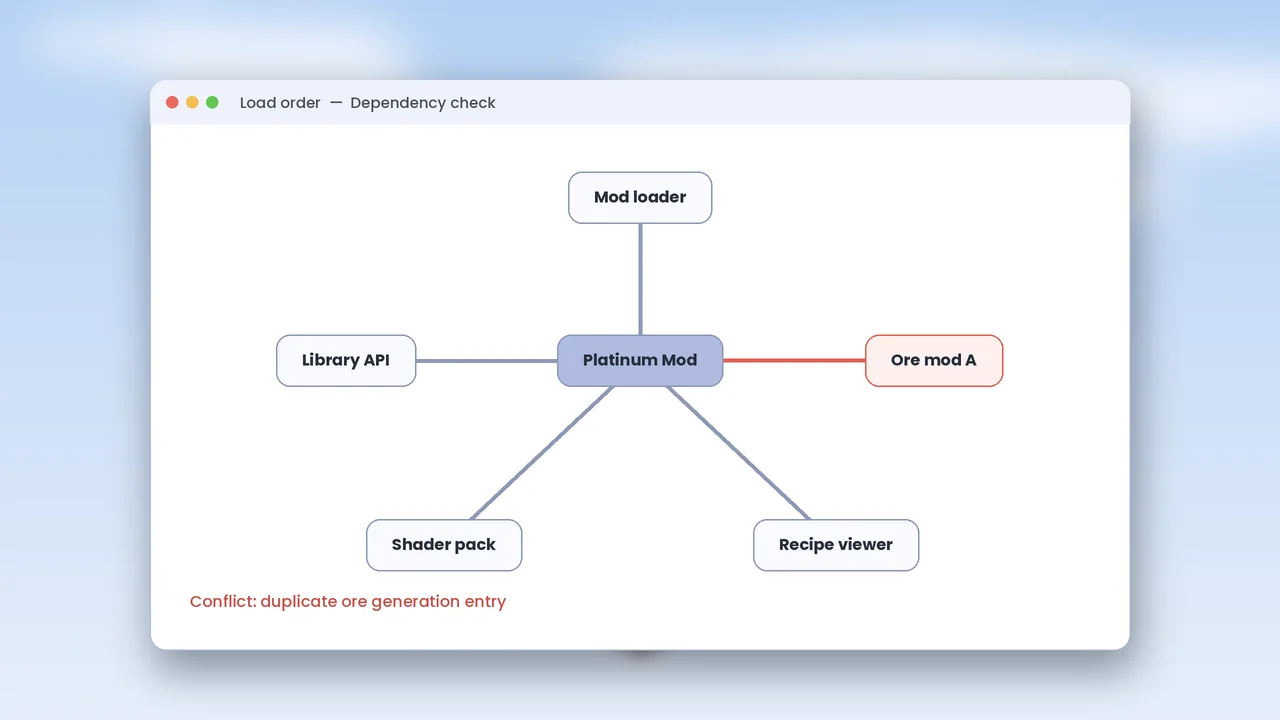
The loader stops at launch if a required library is absent or too old. The message usually names the mod and the minimum version it needs.
Install the Library
Download the required library for your loader and Minecraft version, then place it in the mods folder. On Fabric this is almost always Fabric API.
Update an Old Library
If the log says a version is too low, replace the old jar rather than adding a second copy. Two versions of the same library cause their own crash.
Version Mismatches
A jar built for 1.20.1 will not run on 1.21.1, and a Fabric jar will not run on Forge. The log calls this an incompatible or unsupported mod.
Check the File Name
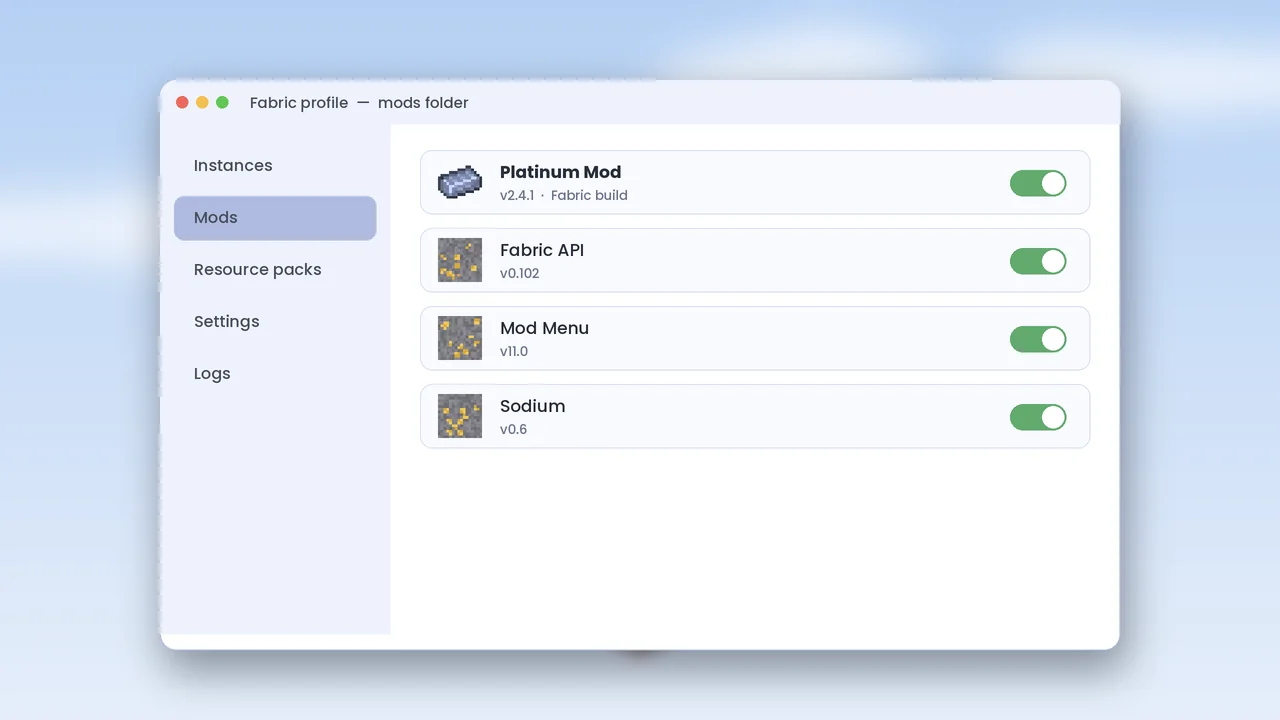
The Platinum Mod file name includes the loader and game version. Compare it with your launcher profile and swap it for the correct build from our download page.
Ore Mod Conflicts
Some large ore mods add their own platinum. When two mods register the same item or world generation entry, the game may crash or generate doubled ore.
Duplicate Registry Errors
A “duplicate registry entry” message points straight at the conflict. Remove one of the two mods, or disable platinum in the other mod’s config.
Shared Tags as a Fix
Platinum Mod uses the common c:ingots/platinum tag, so items from different mods can often share recipes. See Platinum Mod vs ore mods for pairing advice.
Memory and Performance
Large modpacks can run out of memory, which shows up as freezes or an “OutOfMemoryError”.
Allocate More RAM
In the launcher, edit the profile and raise the -Xmx value in JVM arguments to 4G or 6G. Do not assign more than half of your system memory.
When Nothing Works
Remove all mods except Platinum Mod and its library, then add the rest back in small groups. The group that brings the crash back contains the culprit. Still stuck? Check the FAQ or contact us with your log.