Platinum Mod
Platinum Mod runs on both sides of a multiplayer game: the server generates the ore and every player needs the same jar to see the items. This guide sets up a Forge, NeoForge or Fabric server, adds the mod, tunes the ore config and keeps players’ files in sync.
Server Requirements
A small private server for a few friends runs comfortably on modest hardware. Plan for more memory as the player count grows.
Hardware and Memory
Allocate at least 4 GB of RAM for a light modded server and 6 to 8 GB for larger packs. A fast SSD matters more than CPU core count for chunk generation.
Java Runtime
Minecraft 1.21.x servers need Java 21. Install a server-grade JDK and confirm with java -version before continuing.
Install the Server Loader
Use the same loader and version your players use. Mixing Forge and Fabric between server and client does not work.
Forge and NeoForge
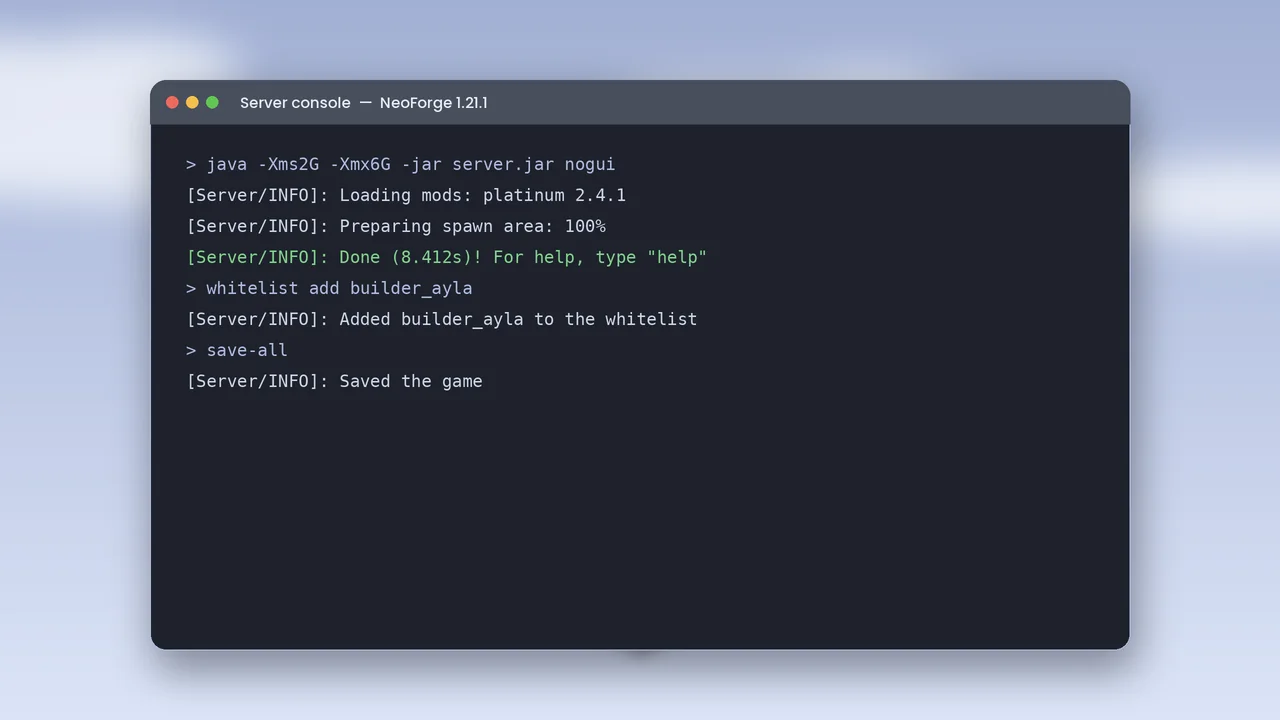
Run the installer with the server option into an empty folder. It creates a run script and a libraries folder. Start it once to generate the EULA file, then set eula=true.
Fabric
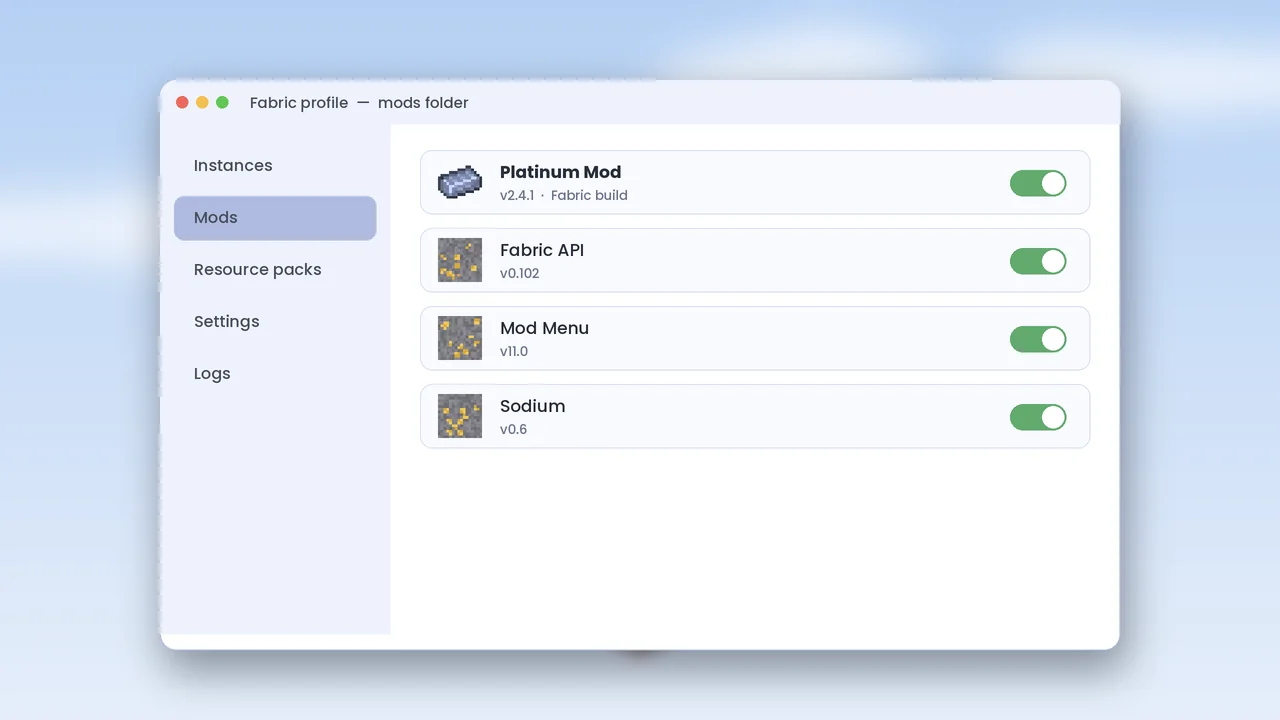
Use the Fabric server launcher for your version. It downloads the server files on first run and needs Fabric API in the mods folder.
Add Platinum Mod
Copy the matching Platinum Mod jar and its library into the server’s mods folder, then start the server and watch the console.
Confirm It Loaded
The console lists loaded mods during startup. Look for platinum with the version number. If the server stops, check the log using our crash fixes.
Tune the Ore Config
After the first start, a config file appears in the config folder. It controls how much ore generates.
Vein Size and Frequency
Lower the frequency on survival servers where you want platinum to feel special, or raise it on smaller maps. Changes only apply to newly generated chunks.
Existing Worlds
Already-explored chunks will not gain ore after you install the mod. Players need to travel to new areas, or you can reset the mining dimension if you use one.
Keep Players in Sync
Every player needs the same Platinum Mod version as the server. A mismatch shows up as a registry error when joining.
Share a Mod List
Post the exact file names in your community channel, or share a modpack export. Point new players to our install guide and download page.
Back Up Regularly
Run save-all and copy the world folder on a schedule. Backups make updates stress-free, especially when a new Minecraft version arrives.